
You can edit, rename, or delete shades in a shade guide that you have added.
Important: If you delete a shade, you cannot recover it.
To edit shades assigned to a shade guide
1. From the Setup menu in the Lab Case Manager, click Shade Guide/Shade Setup.
The Shade/Guides Shade Setup dialog box appears.
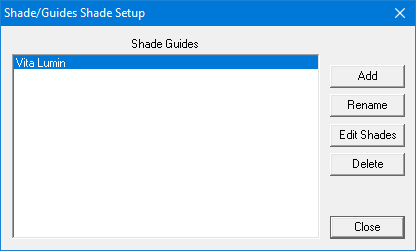
2. Select the shade guide that you want to edit.
3. Click Edit Shades.
The Edit Shade Guide dialog box appears.
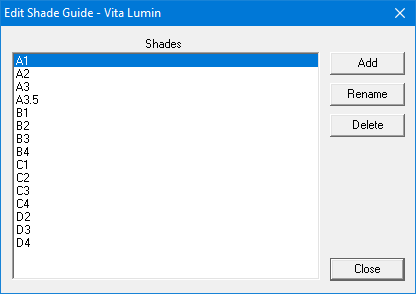
4. Complete one of the following for the selected shade guide:
To add a new shade for the shade guide, click Add.
The Add Shade dialog box appears.
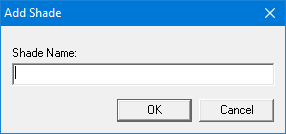
Type the name of the shade that you want to add, and click OK.
To change the name of the selected shade, click Rename.
The Rename Shade dialog box appears.
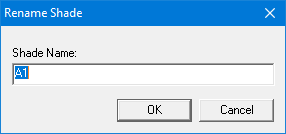
Type the new name of the shade and click Change.
To delete the selected shade, click Delete.
A message appears stating that a deleted shade is unrecoverable. To continue, click Yes.
5. Click Close.